There are 3 ways to login to your web hosting account panel (DirectAdmin) which are:
via Billing Area
- Login to your account at https://my.sitehandy.com
- Navigate to Services -> My Services.
- Next, choose the product/service that is using the DirectAdmin hosting panel.
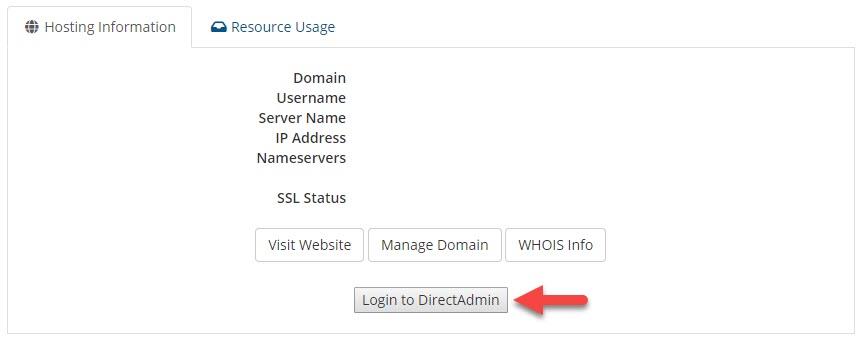
- Lastly, click on the Login to DirectAdmin button. You will be redirected to DirectAdmin hosting panel.
via Server Host
- Visit https://web01.sitehandy.net:2222 or https://websg01.sitehandy.net:2222
- Enter your web hosting username & password.
via Your Domain
- Visit yourdomain.com:2222
- Enter your web hosting username & password.
Hope this helps!