SSL certificates are critically required because SSL certificates protect the exchange of data between your website and the server.
If your website is set up to accept payment and a customer enters a credit card or other sensitive data, you want to be sure you can secure that information. An SSL certificate will protect that data between the user's computer and the server. No one can intercept the data traffic in the middle.
At Sitehandy Solutions, we provide FREE SSL via Let's Encrypt when you subscribe to any of our web hosting plans.
Let's Encrypt is a free, automated, and open certificate authority brought to you by the nonprofit Internet Security Research Group (ISRG).
To install and enable Let's Encrypt SSL Certificate in DirectAdmin, follow these steps:
- Log in to your DirectAdmin panel.
- Click on the SSL Certificates icon.
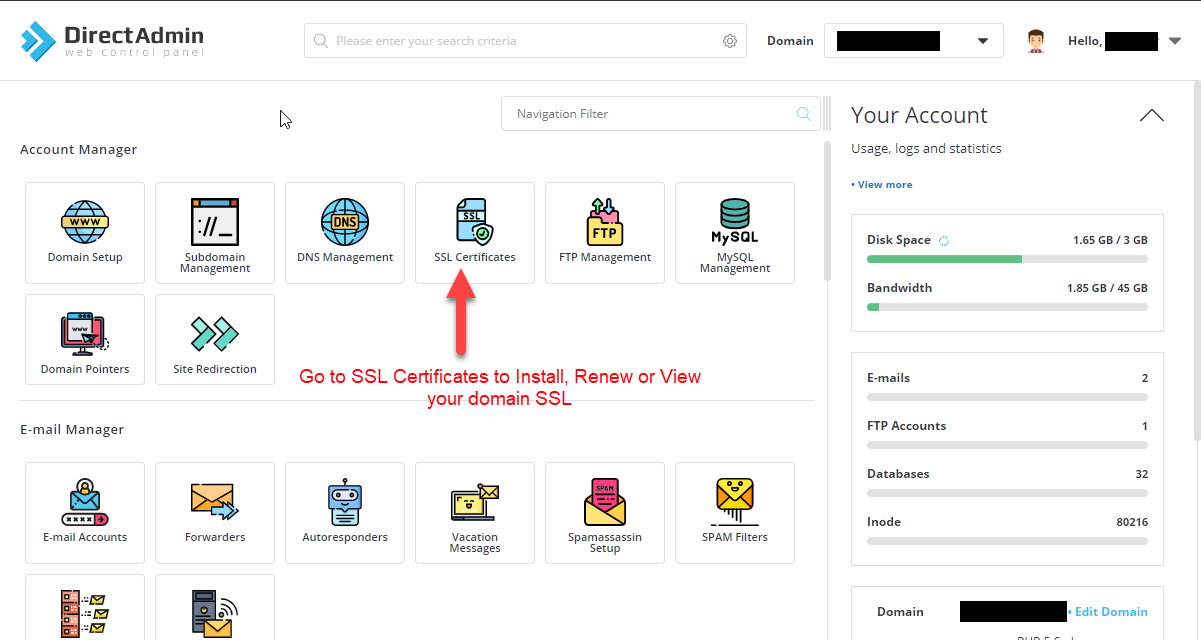
On the ACME Settings page:
- Make sure to select the domain that you are going to install the SSL Certificate.
- Update ACME Settings using the same configuration as the below image.

On the Manage Certificates page:
- Make sure to select the domain that you are going to install the SSL Certificate.
- Make sure there is no existing certificates. Delete if it exist.
- Click on Provision Now to generate your SSL Certificates.

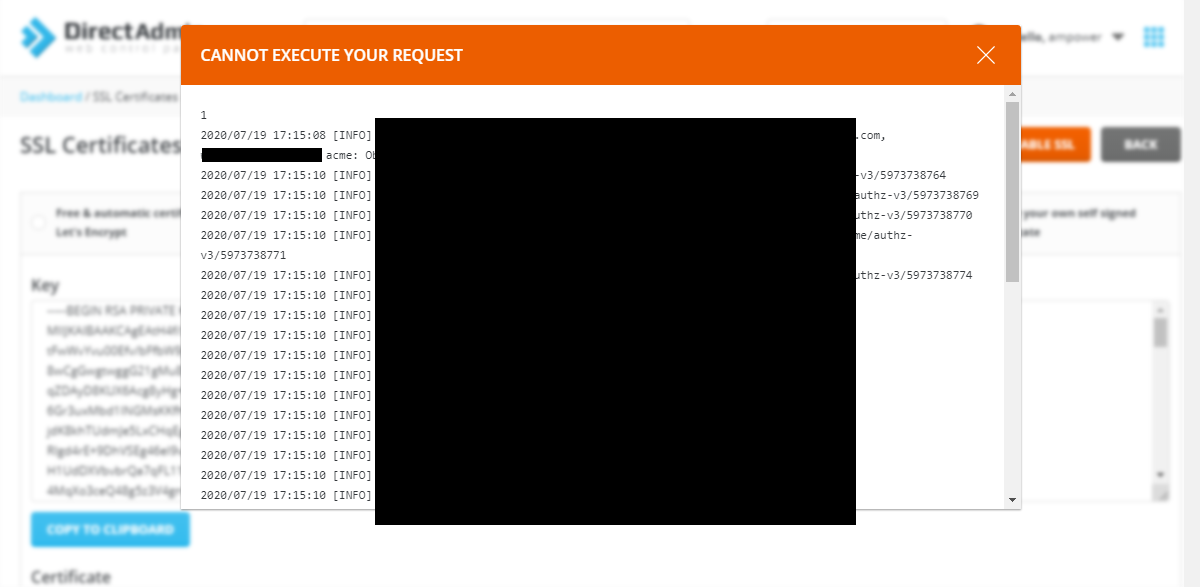
If you encounter the following error, you may need to remove some of the Certificate entries.
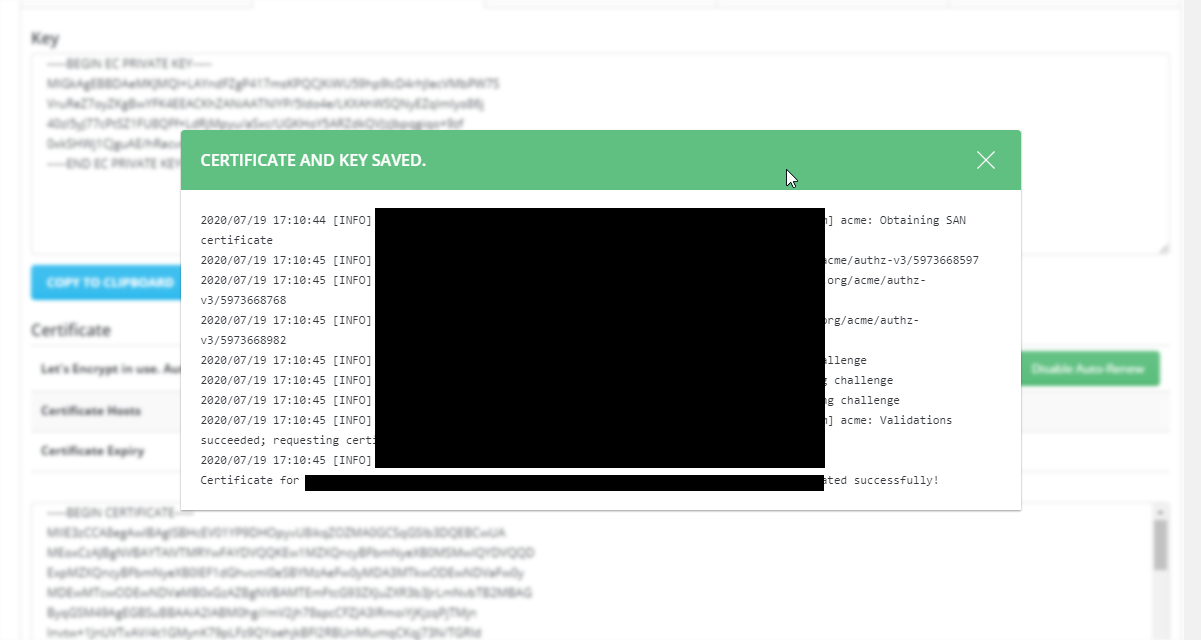
You should be able to see similar to the following result when your Let's Encrypt successfully installed.

Hope this helps.
Please do not hesitate to contact us for further assistance.